Araknid
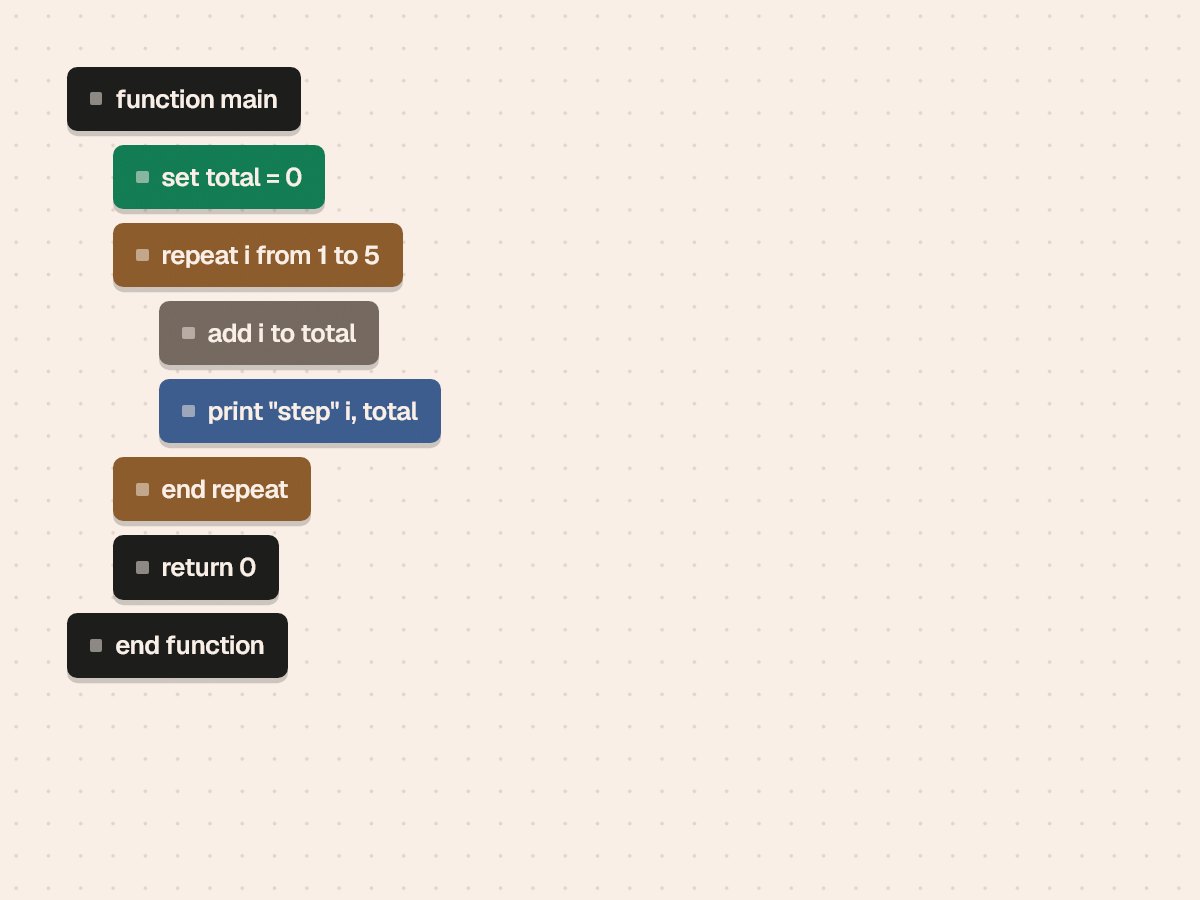
A visual editor for writing real C. Programs are built by connecting blocks, and every arrangement becomes C code that compiles and runs.
Block-based tools make programming approachable, but they usually hide the language you are actually learning.
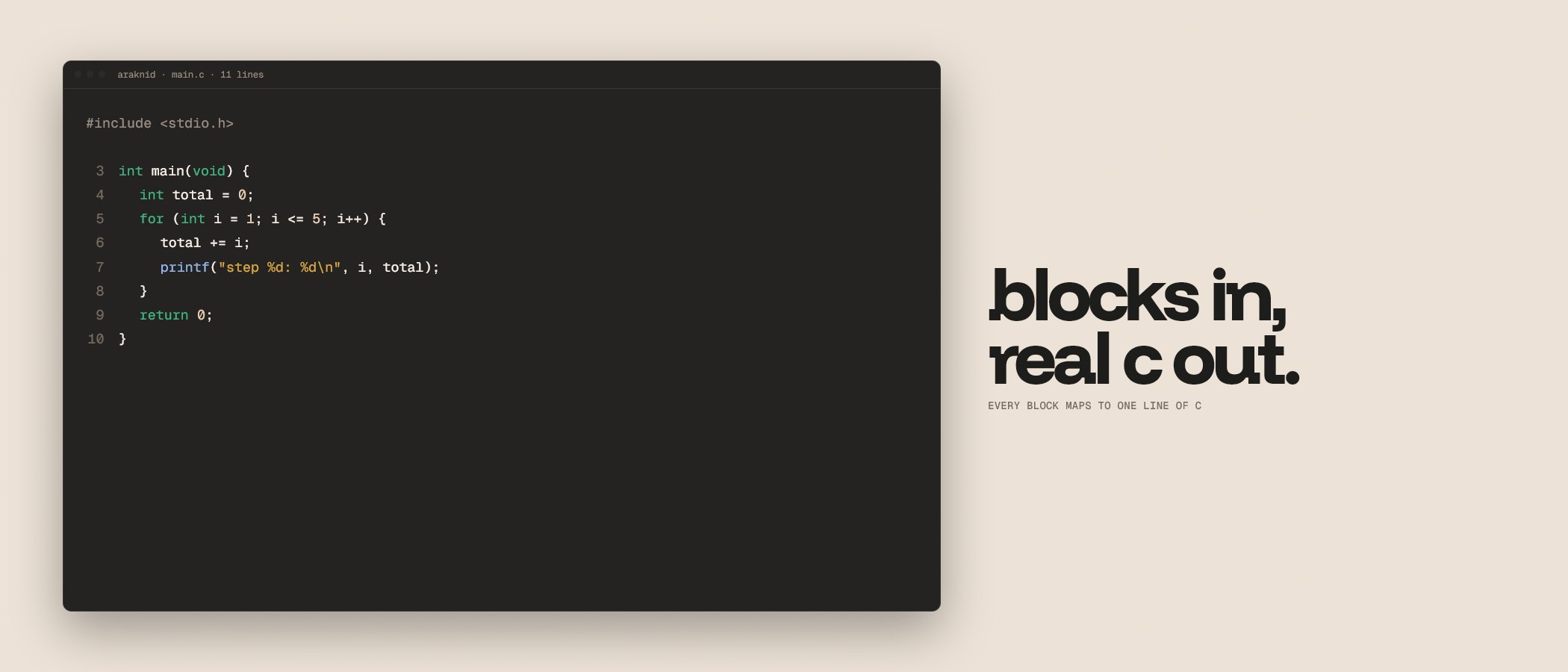
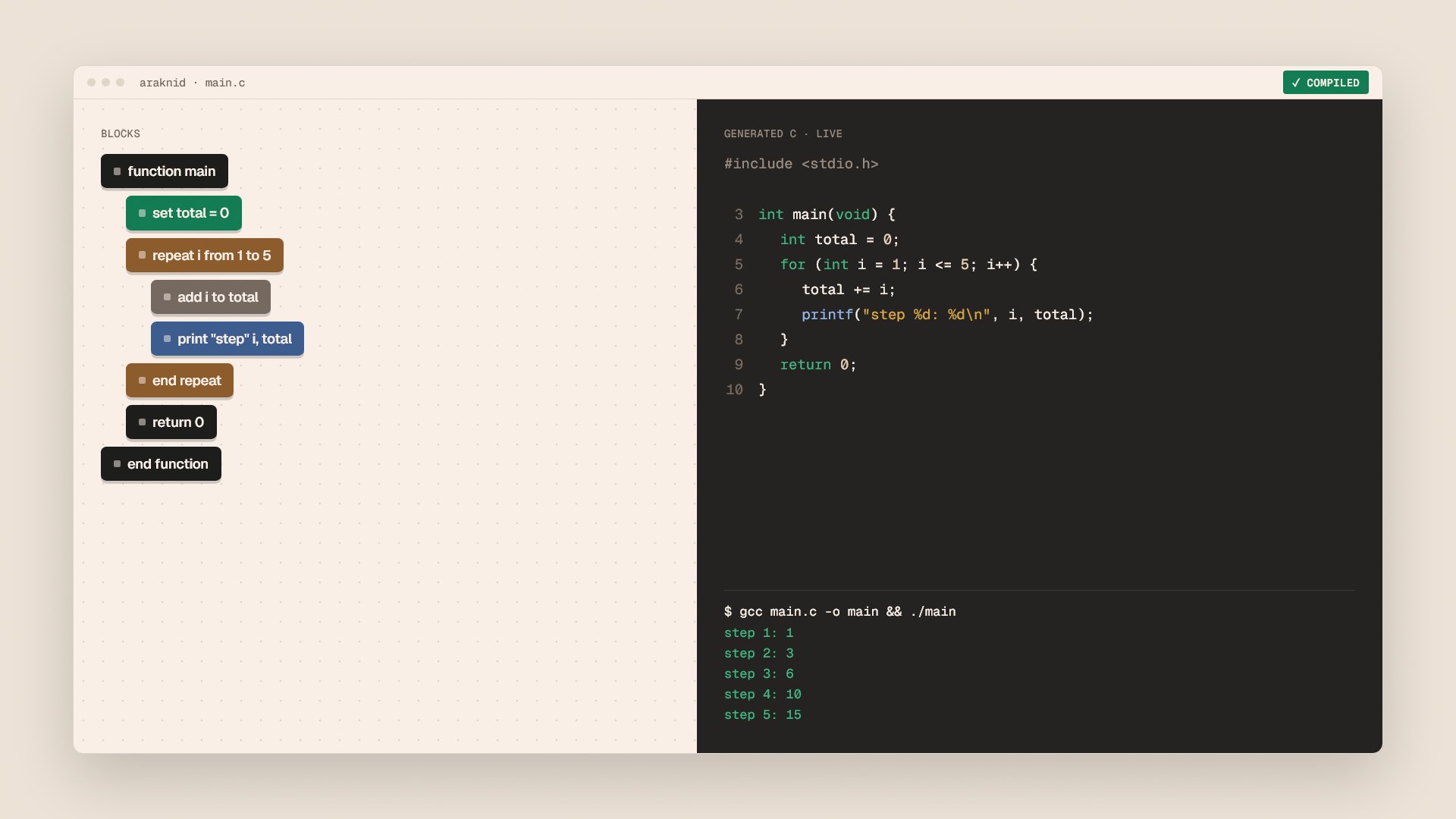
Araknid keeps C in view. You arrange blocks for control flow, functions and data, and the matching C code is generated alongside in real time, ready to compile.
The blocks had to stay simple without turning C into a toy.
Every block needed a direct, honest translation into C, and errors from a real compiler had to make sense inside a visual tool.
- Block libraryDrag-and-drop blocks for control flow, functions, input and output, operators and arrays.
- Live code generationCompilable C generated from the block graph as you build.
- One-click compile and runGCC built into the editor, so a program goes from blocks to running in one step.
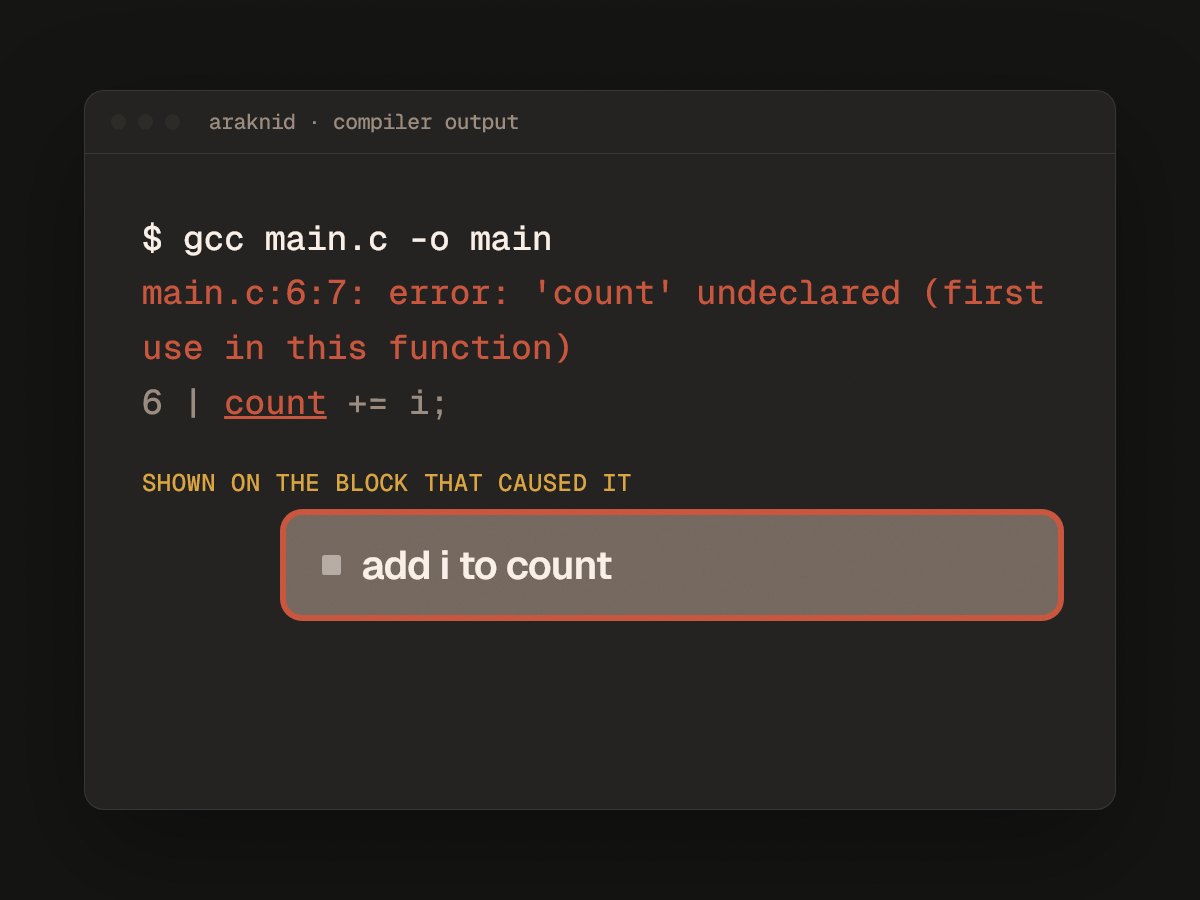
- In-app error reportingCompiler errors shown inside the editor instead of a separate terminal.
Connect blocks
Programs are assembled from blocks for logic, functions, data and input and output.
Read the code
The C version updates live next to the blocks, line for line.
Compile and run
One click hands the code to GCC. Output and errors come back into the app.